
There is a new free tool on the site. The Birthday Invitation Maker takes the transparent PNG characters you already have and arranges them into a print-ready invitation — no design software, no account, no watermark.
Open the Birthday Invitation Maker →
How it works
Drop in up to 20 transparent PNGs. The first one becomes the hero — biggest, front row, dead centre — and the rest are packed around it into one overlapping group at the top of a portrait card. Your wording sits in a panel underneath.
That is the whole idea. You bring the characters; the tool handles the arranging, the overlapping, the scaling and the print margins.
What is in it
- Four arrangements — packed, triangle, ring and arch.
- Three style presets — classic, sticker and minimal — plus six colour themes.
- Auto-fit reads how many characters you added and how tall or wide they are, then picks the rows, overlap and scale so nobody disappears behind anybody else. A meter under the preview tells you how visible the worst-covered character is.
- Print sizes — 5 × 7 in, A5, A6, 4 × 6 in and a 5 × 5 in square, at 150 or 300 dpi, exported as PNG or JPG.
- Wording — a handwritten top line, name, age, a line underneath, date, time, venue and RSVP. Leave any of them blank and the layout re-centres.
- Advanced controls, if you want them — overlap, rows, tilt, fan, outline weight, panel edge shape and a set of flourishes you can switch on and off individually.
Free, and nothing leaves your computer
There is no sign-up, no watermark and no limit on how many cards you export. The card is drawn locally in your browser, so the PNGs you drop in are never uploaded to a server.
Copy share link writes your layout and wording into the URL so you can pick the card back up later. It does not carry your artwork — for the same reason.
Where to get characters
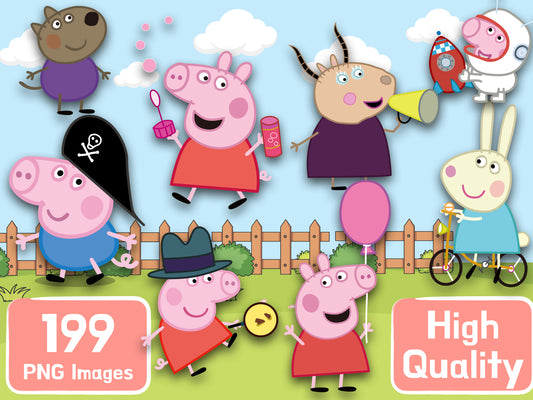
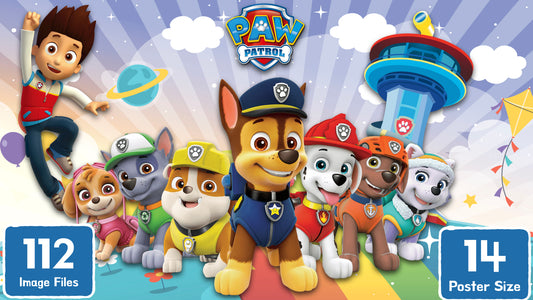
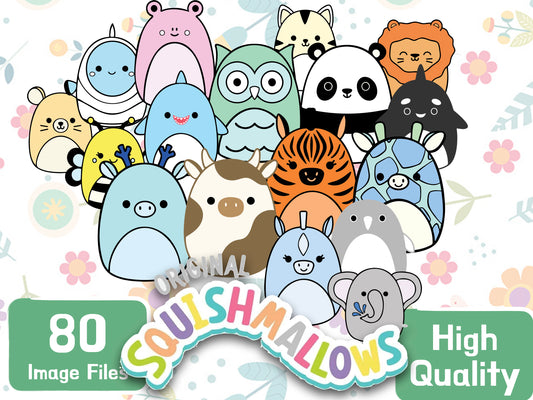
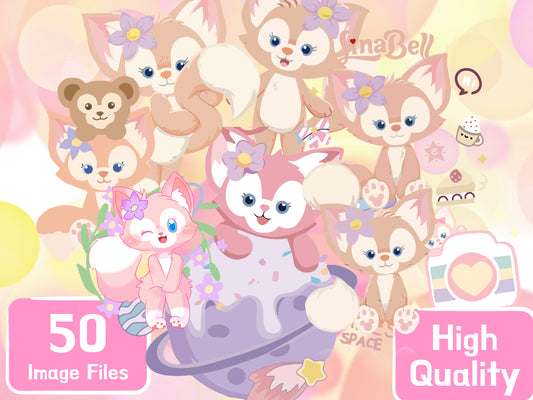
Any transparent PNG you own will work. If you need some, every pack in the shop is an instant download of cut-out PNGs, already sized to drop straight onto the card.
Want the walkthrough?
We wrote a longer guide that goes through the whole thing step by step, including the print settings that actually matter and three mistakes that ruin a card at the printer: How to make a birthday invitation in 5 minutes.